
mGear 5.3 Release
We’re excited to announce mGear 5.3.0 — our most feature-rich release yet. This update brings eight new tools, Maya 2027 support, and a wave of enhancements that touch every part of the rigging and deformation workflow.
This release also includes features introduced in 5.2.3 that we haven’t formally announced, so we’re covering everything new since 5.2.1 in this post.
As always, mGear is free and open source. Download mGear 5.3.0 from GitHub.
Maya 2027 and Python 3.13 Support
mGear 5.3.0 ships with full Maya 2027 support. All solvers and C++ acceleration modules have been updated and recompiled for Python 3.13, so you can upgrade to the latest Maya on day one without worrying about framework compatibility. mGear supports Maya 2022 through 2027, so whether you’re on the latest version or running a proven pipeline, you’re covered.
As part of this effort, we’ve also removed the legacy Python 2/3 compatibility layer, streamlining the codebase for Python 3.12+ going forward.
Blendshape Transfer Tool
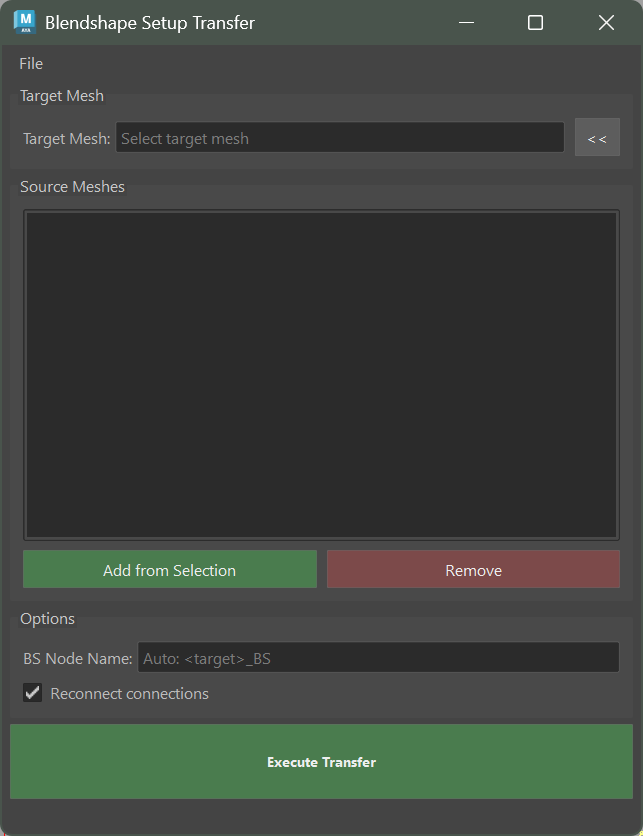
The new Blendshape Setup Transfer tool in Rigbits is designed for one of the most tedious parts of character setup: transferring blendshapes between meshes.
Unlike a simple target copy, this tool handles multiple source meshes, rebuilds combo blendshape networks, and automatically cleans up zero-delta targets — targets that exist but produce no visible deformation. If you’ve ever spent hours manually reconnecting combo networks after a mesh update, this tool is for you.
SDK Creator
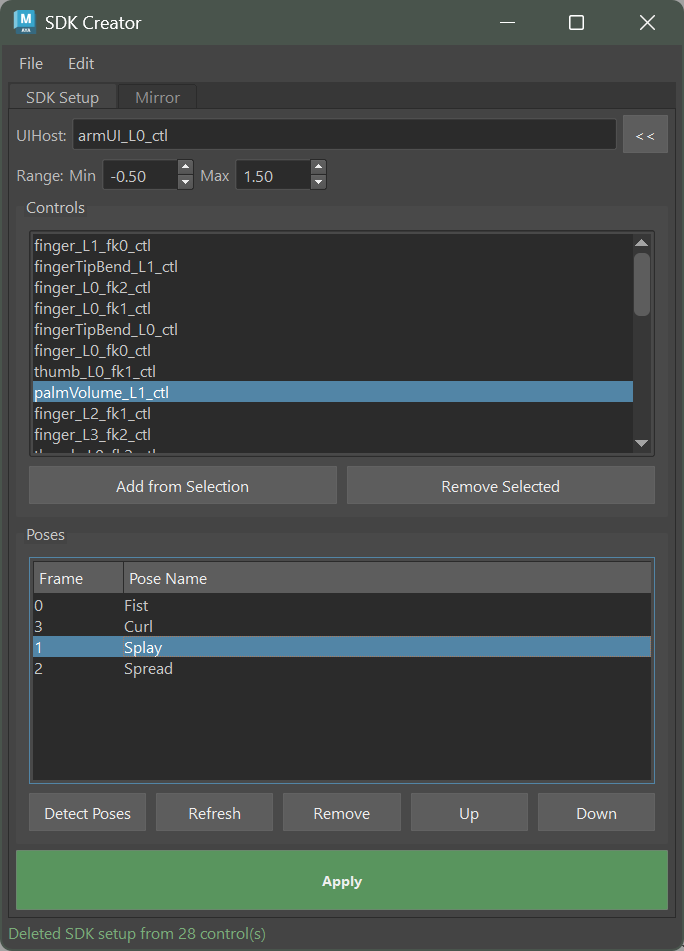
The SDK Creator is a new tool for generating Set Driven Key setups directly from timeline poses. Instead of manually keying SDK values one attribute at a time, you pose your character on the timeline and let the tool build the SDK network for you.
Key features include mirror support for building left/right SDK setups from a single set of poses and a scripting API for integrating SDK creation into automated build pipelines.
Guide Template Manager
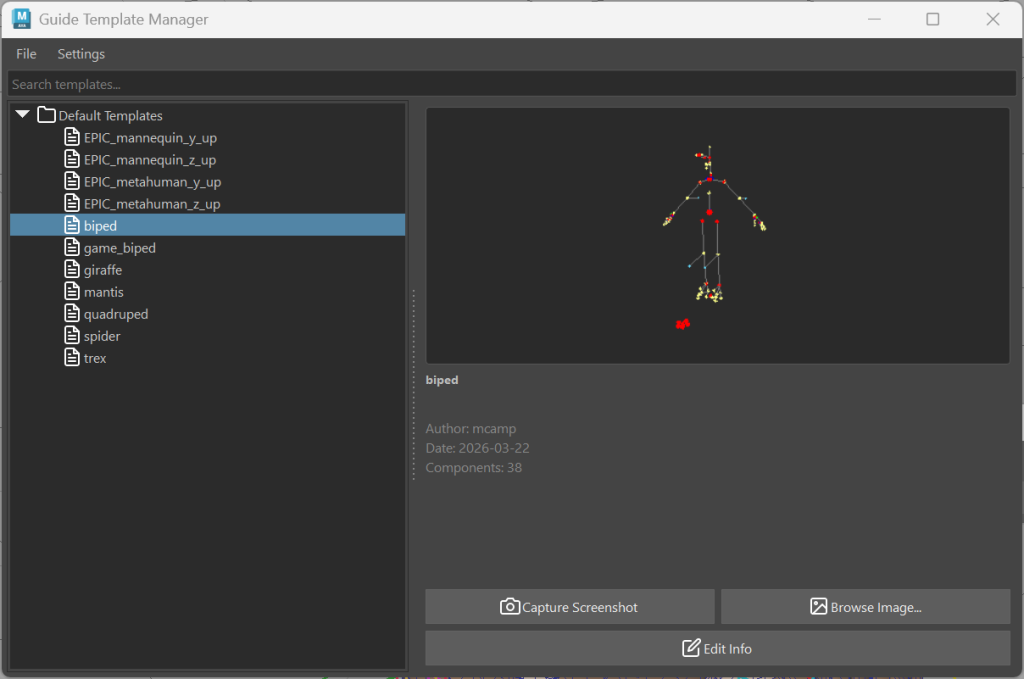
Managing guide templates across projects and teams just got much easier. The new Guide Template Manager provides a browsable library of templates with thumbnail previews, support for custom source folders, and drag-and-drop functionality for applying templates to your scene.
This is especially useful for studios that maintain a library of base guides for different character types — bipeds, quadrupeds, creatures — and want a visual, organized way to access them.
Build Log Window
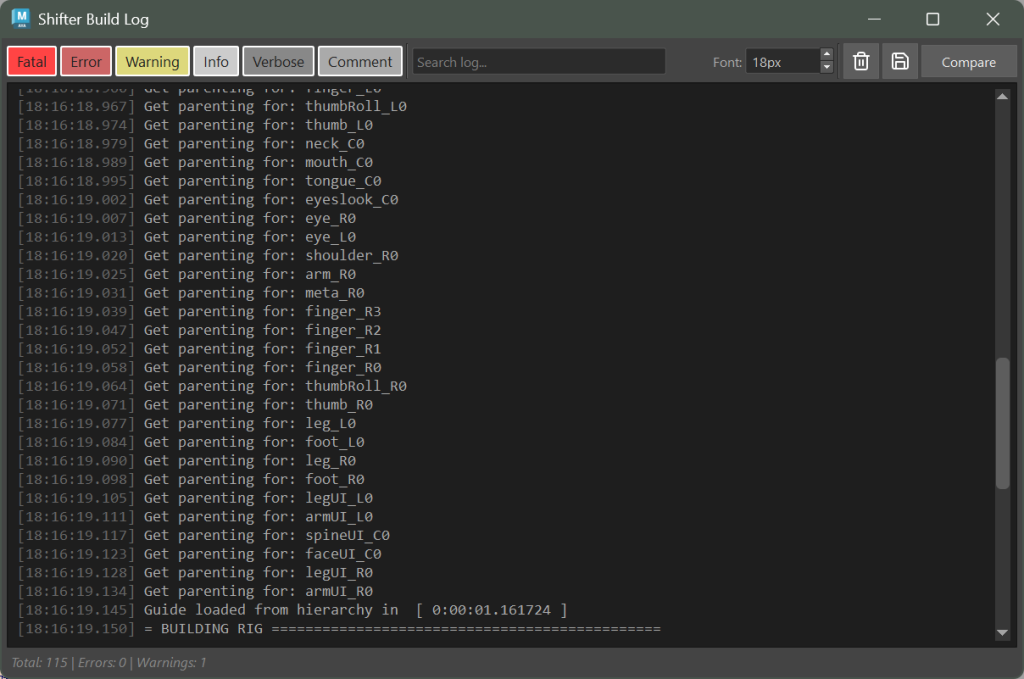
The Shifter Build Log Window replaces the old script editor output with a dedicated Qt-based interface for monitoring rig builds. Logs are color-coded by severity, and you can filter, search, and export log output.
For complex rigs with dozens of components and custom steps, this makes debugging build issues significantly faster. No more scrolling through walls of unformatted text in the script editor.
Wire to Skinning
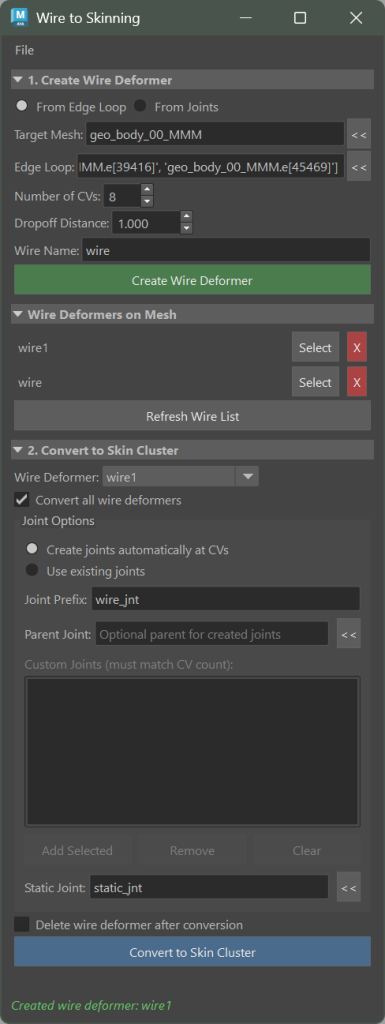
Introduced in 5.2.3, the Wire to Skinning tool converts wire deformers to skin clusters. This bridges a common workflow gap: wire deformers are great for quick shape exploration, but skin clusters are what you need for a production-ready deformation stack.
The tool comes with a full UI and configuration options. In 5.3.0, we’ve also added custom wire processing order with drag-and-drop reordering, giving you precise control over how wires are converted.
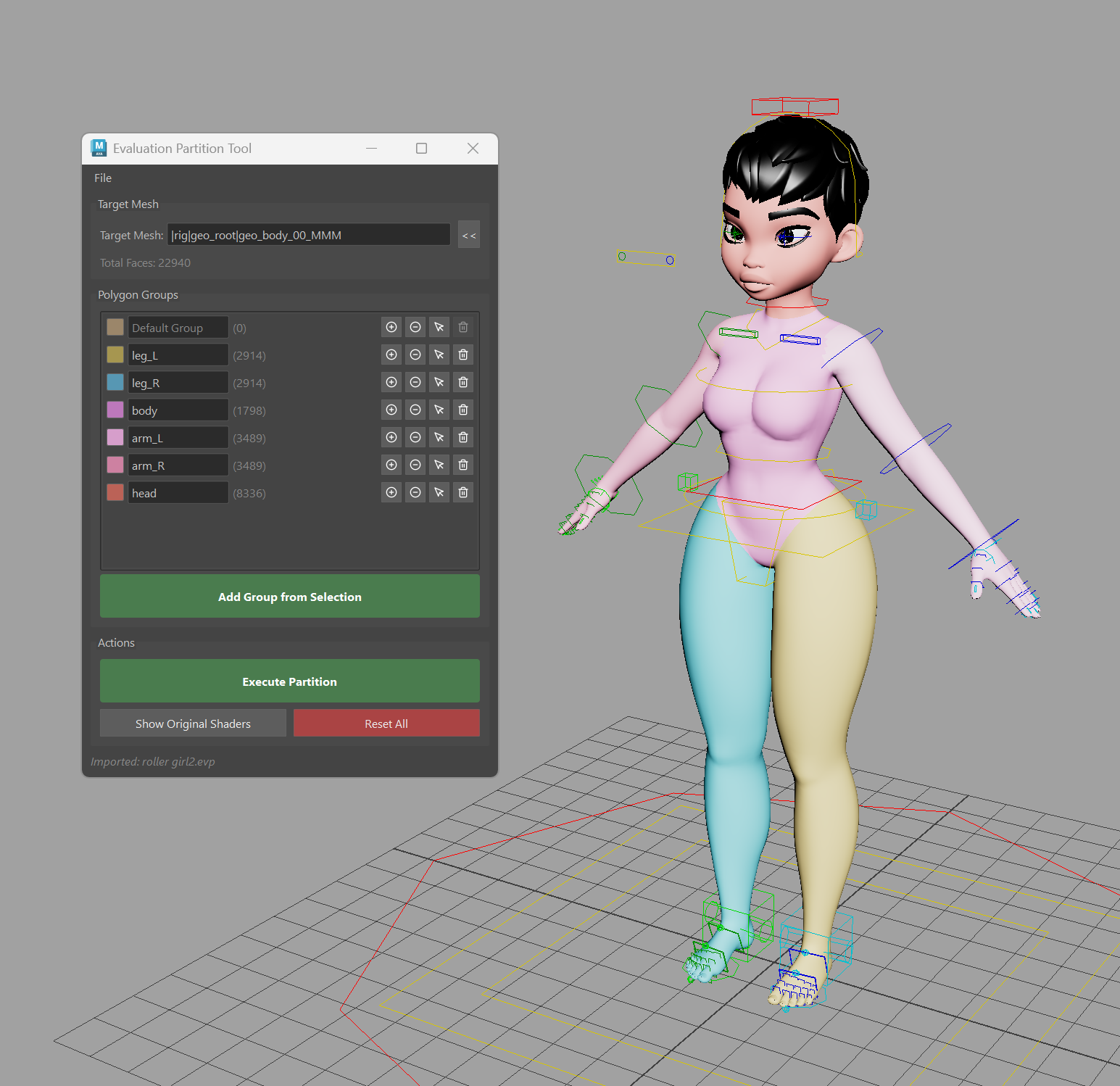
Evaluation Partition
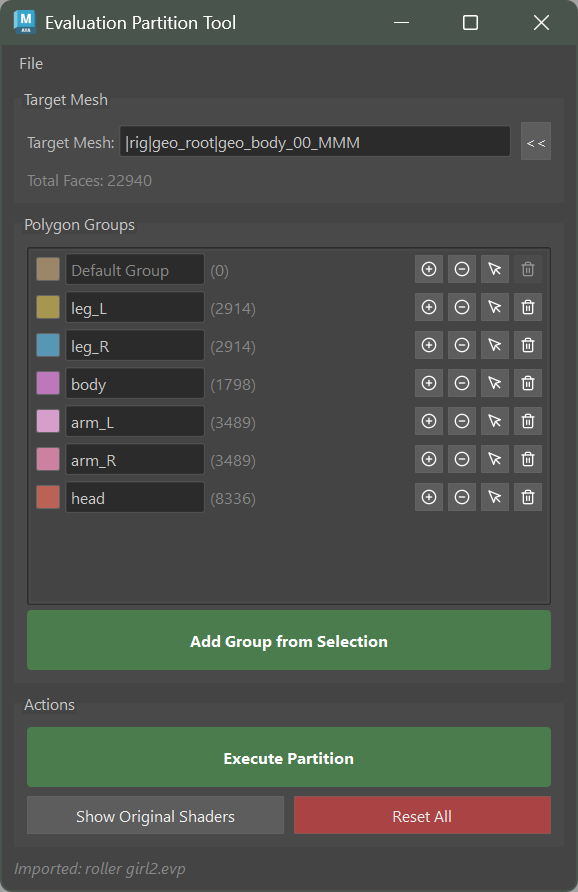
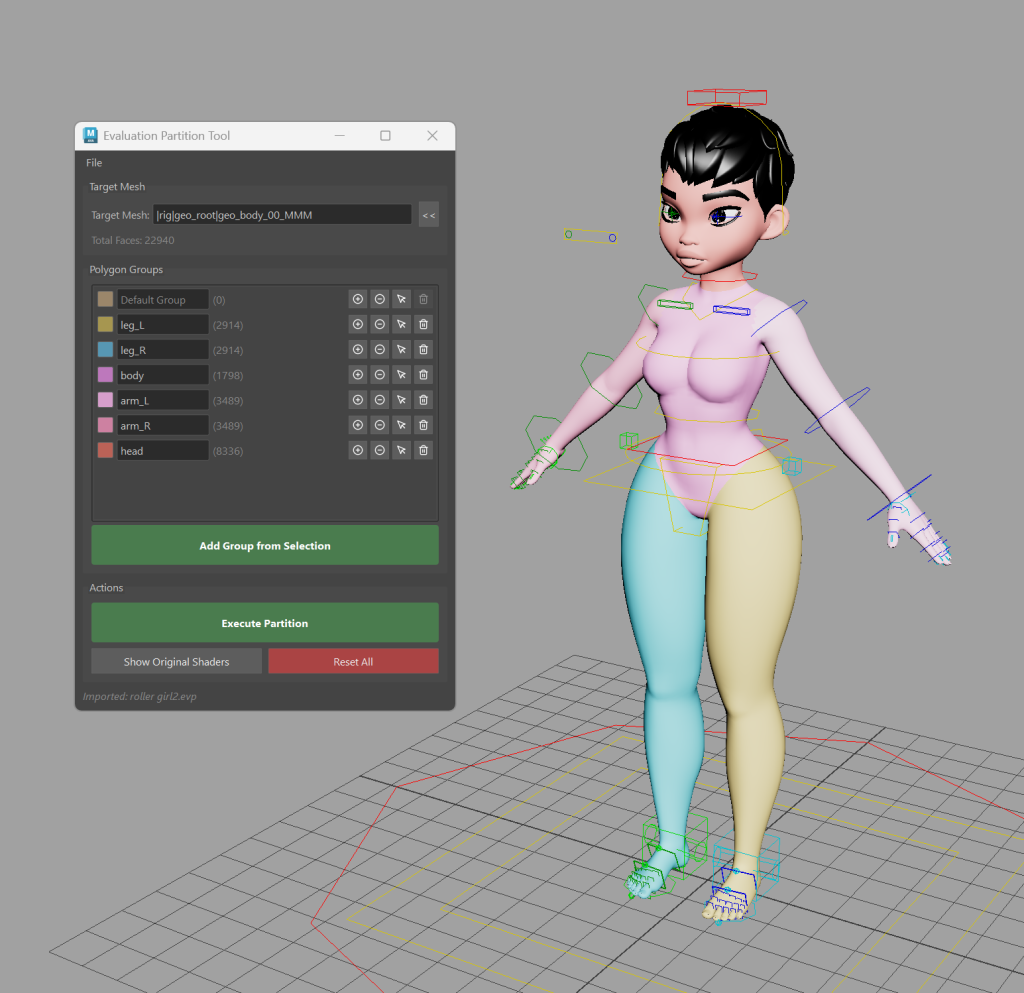
The Evaluation Partition tool splits meshes into polygon group partitions optimized for Maya’s parallel evaluation. On heavy meshes, this can provide a noticeable performance improvement during playback by allowing Maya to evaluate different regions of a mesh concurrently.
Bookmarks Tool
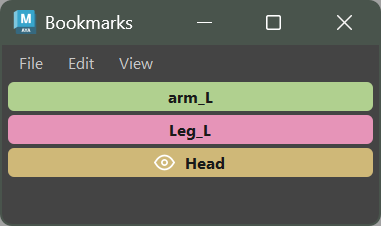
The new Bookmarks tool in Utilbits lets you save and recall selection bookmarks and isolate bookmarks. It’s a small addition, but one that saves time on every rig you work with — especially when you’re constantly switching between control sets or isolating specific parts of a character during review.
Matcap Viewer
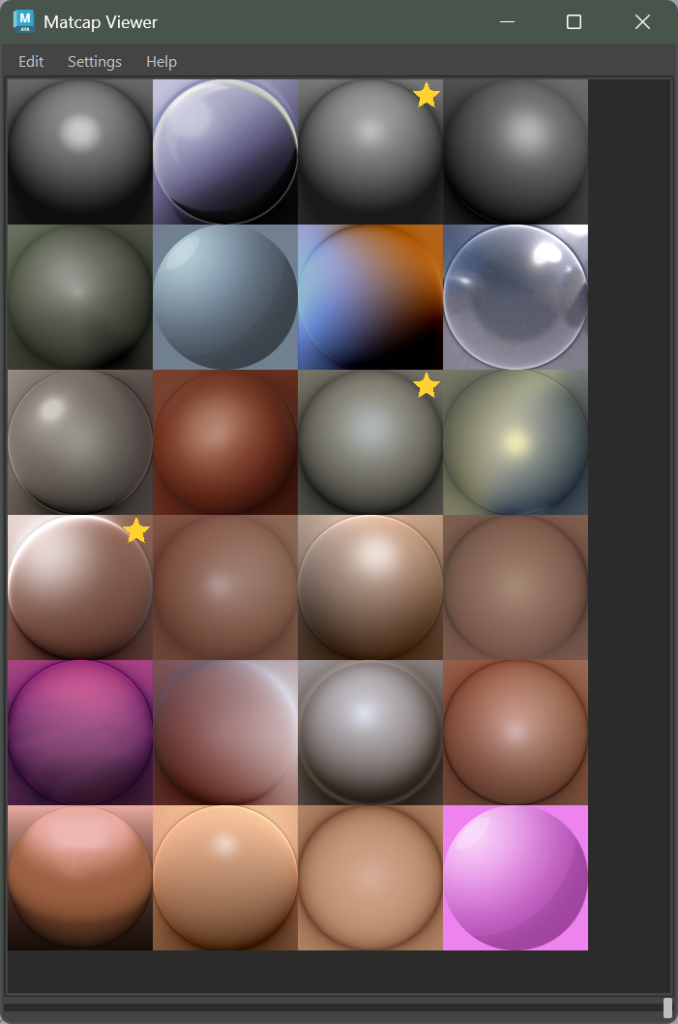
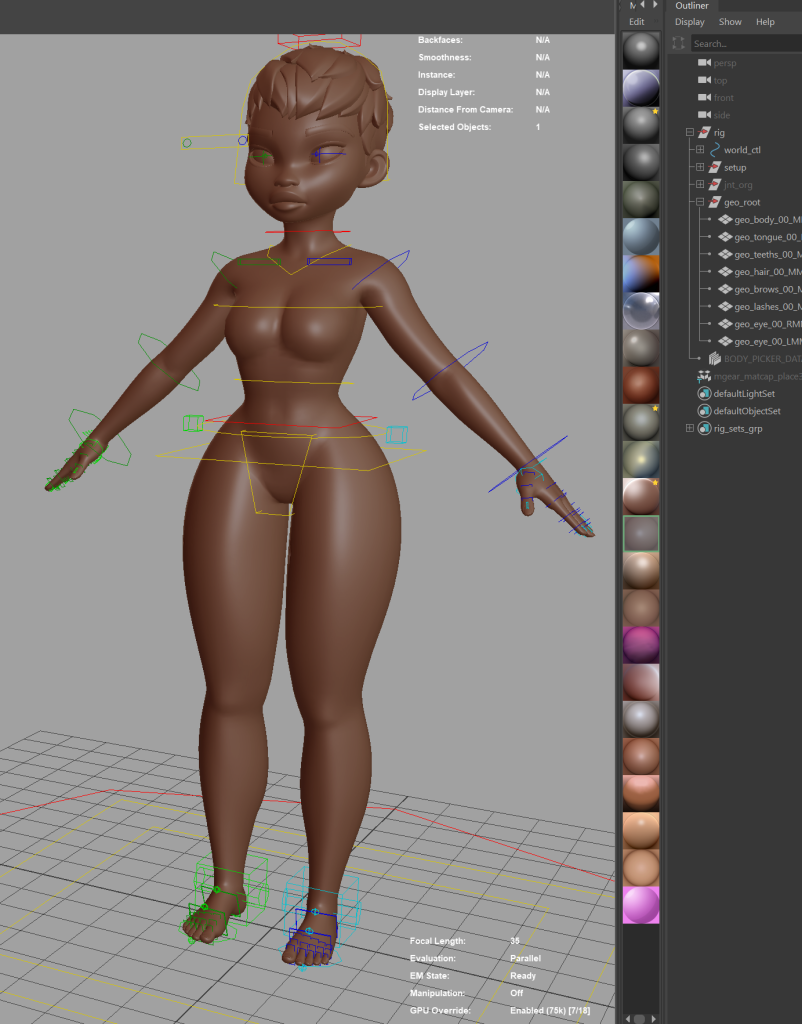
The Matcap Viewer provides a quick viewport material preview using matcap materials. It’s useful for evaluating deformation quality without the distraction of full shading or lighting — you can instantly check silhouettes and surface flow on your skinned meshes.
Skin Cluster Localization
A new localize_skin_clusters function in the Core Skin module addresses floating-point precision issues that occur when rigs are positioned far from the world origin. If your pipeline places characters at large world-space offsets (common in open-world and large-environment productions), this function ensures skin weights remain accurate.
Additional Enhancements
Beyond the headline features, 5.3.0 includes several important improvements:
- Float2/Float3 compound attribute support in the Core Attribute module
- New
createPlusMinusAverage3DandcreateBlendWeightedNodeutilities in Core Node - Shifter Data-Centric Folder Creator refactored with live folder preview tree and config export/import
- Auto Fit Guide now includes C++ acceleration, progress bar, skip orientation option, and reference mesh support
- Numerous bug fixes for IK/FK matching, blueprint builds, chain components, and backward compatibility
For the full changelog, see the release log on GitHub.
Get mGear 5.3.0
- Download: GitHub Releases
- Documentation: mgear4.readthedocs.io
- Forum: forum.mgear-framework.com
- Report issues: GitHub Issues
Thank you to everyone who contributed bug reports, feature requests, and code to this release. mGear is built by the community, for the community — and 5.3.0 is a reflection of that.
Happy rigging!
